

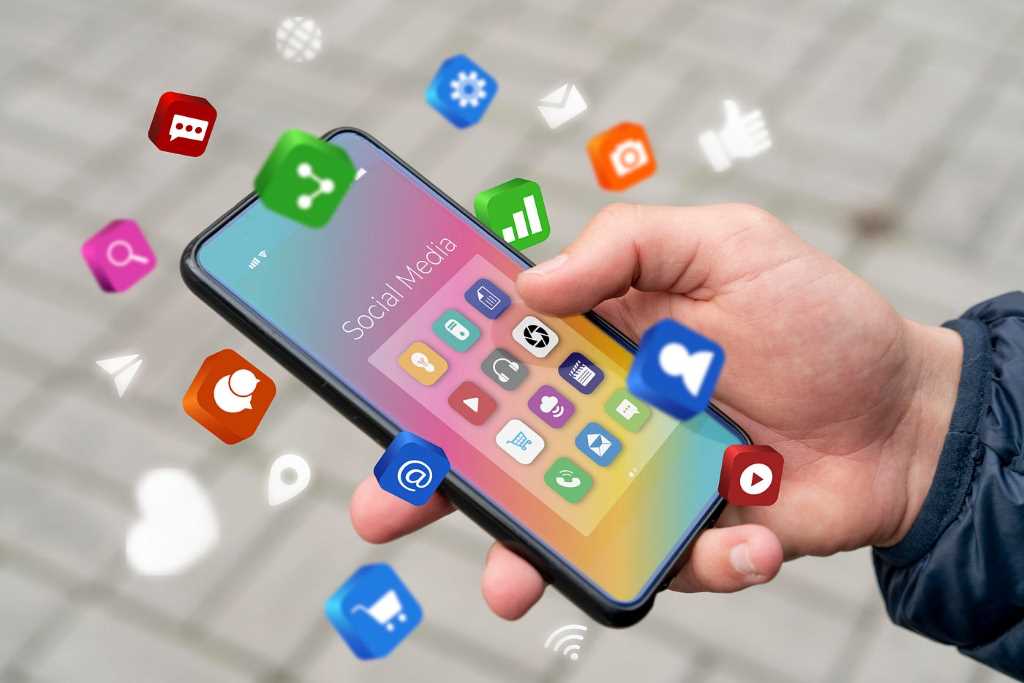
Our phones are our constant companions. They’re our alarm clocks, our cameras, our entertainment hubs, and our portals to the world. But with great power comes great responsibility, or in this case, great clutter. Ever felt overwhelmed by the endless scroll of app overload on your home screen? You’re not alone.
The App Epidemic
We live in an app overload world. There’s an app for everything. Want to meditate? There’s an app. Need to order groceries? There’s an app. Want to learn a new language? You guessed it, there’s an app. While this abundance of choice is fantastic, it can also be overwhelming.
Imagine your phone as a physical space. Over time, you accumulate stuff. Clothes, books, kitchen gadgets – they pile up. Eventually, you have to declutter. Your phone is no different. It’s a digital space, and like any space, it needs a good spring cleaning.
The Hidden Costs of App Overload
You might think, “So what if I have a few extra apps? It’s not a big deal.” But it is. A cluttered phone can lead to a cluttered mind. Every app is a potential distraction. It’s like having a thousand tiny voices competing for your attention.
Studies have shown that multitasking, which is essentially switching between apps rapidly, can reduce productivity by as much as 40%. It’s like trying to cook dinner, do laundry, and write a report all at once. You might get something done, but it won’t be your best work.
Moreover, a phone filled with unused apps is a waste of storage space. You’re paying for that space, whether you realize it or not.
Decluttering Your Digital Life
So, how do you tame the app beast? It’s simpler than you might think.
Step 1: The Great App Purge
Start by looking at your home screen. Be honest with yourself. Which apps do you use regularly? Which ones are just taking up space? Delete the ones you don’t need. It’s like Marie Kondo for apps – only keep the ones that spark joy (or at least productivity).
Go through the rest of your apps. Maybe you’ve got a folder full of games you never play, or social media apps you only check once a week. Delete, delete, delete!
Step 2: Categorize and Conquer
Once you’ve done the initial purge, it’s time to organize. Create folders on your home screen for different categories of apps. For example, you could have folders for social media, productivity, entertainment, and utilities.
This will make it easier to find the apps you need when you need them, and it will also help to reduce visual clutter.
Step 3: Limit Notifications
Notifications are the digital equivalent of interruptions. Every time your phone buzzes, it’s pulling your attention away from what you’re doing. To regain control, turn off notifications for most apps. You can still check them when you want to, but you won’t be constantly bombarded with distractions.
There are apps that can help you with this, like Focus mode on iPhones or Do Not Disturb on Androids.
Step 4: Find Alternatives
Maybe you’ve got a few apps that you use regularly but could be combined into one. For example, there are apps that combine a calendar, to-do list, and note-taking app into one.
Look for apps that offer multiple functionalities. This can help to reduce the number of apps on your phone and streamline your workflow.
Step 5: Digital Wellbeing
Most smartphones now come with built-in features to help you manage your screen time. These features can show you how much time you spend on your phone, which apps you use the most, and even set limits on app usage.
Take advantage of these tools. They can be a powerful ally in your quest for digital decluttering.
The Benefits of a Decluttered Phone
You might be surprised at how much better you feel after decluttering your phone. It’s like lifting a weight off your shoulders. You’ll be more focused, more productive, and less stressed.
Plus, you’ll save battery life. Apps run in the background, draining your battery even when you’re not using them. Fewer apps mean a longer-lasting battery.
A decluttered phone is also a more secure phone. Fewer apps mean fewer potential security vulnerabilities.
Conclusion
Your phone is a powerful tool, but it can also be a distraction. By taking the time to declutter your phone, you’re investing in your productivity, your mental health, and your overall well-being. It’s a small step that can make a big difference in app overload.
Remember, it’s okay to have apps. They can be incredibly useful. But it’s important to be mindful of how many apps you have and how much time you spend on them.
So, take a deep breath, grab your phone, and start decluttering. Your future self will thank you.